
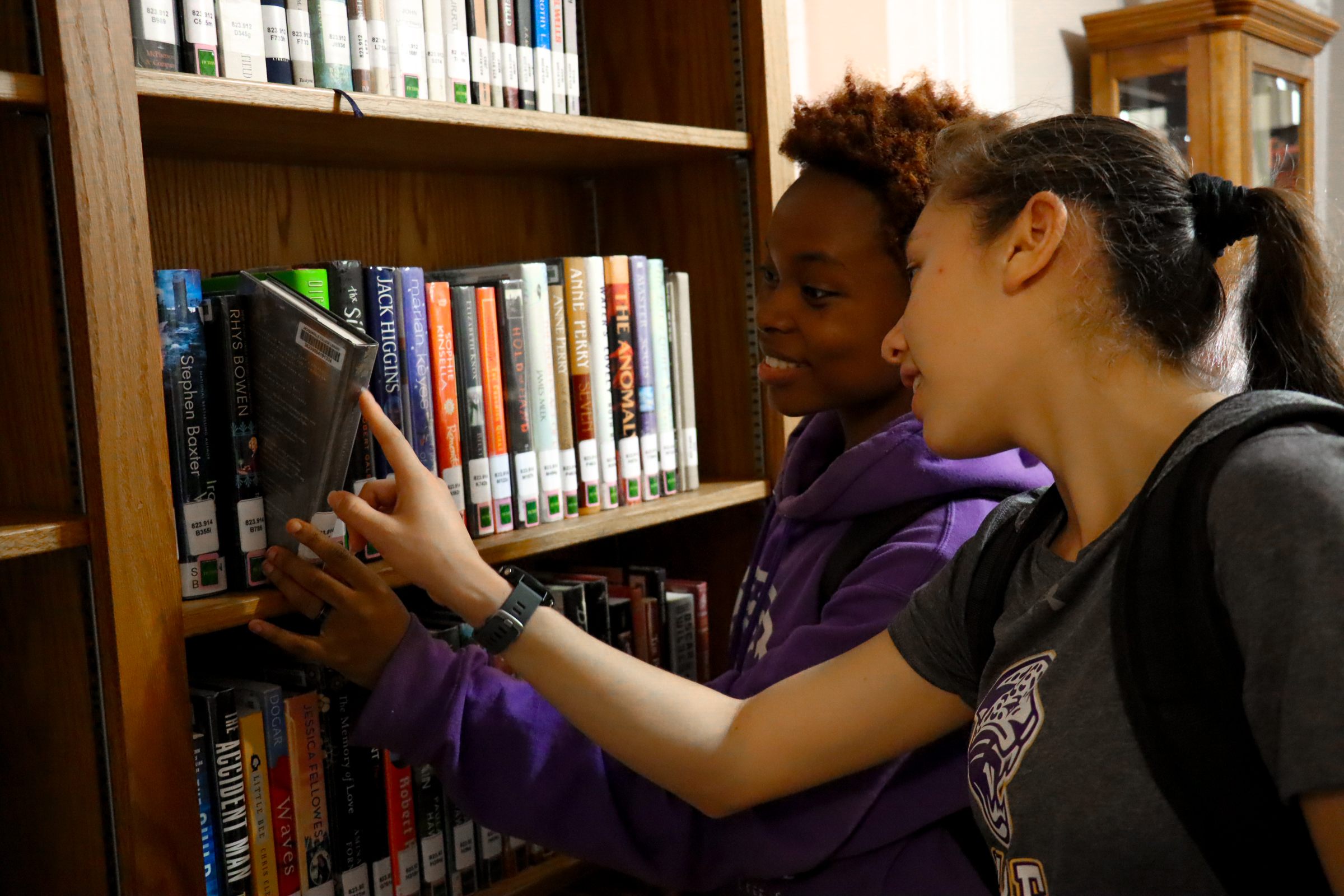
Jacksonville College Library
The JC Library is located in the historic Newburn-Rawlinson House and is home to a vast array of learning and library resources.
Online Databases
To access databases, students use the same login and password that you use to log in to MOODLE and EMPOWER. If you have issues accessing the database, submit an IT help ticket by emailing help@jacksonvillecollege.edu.
Library Services
Library Hours
- Monday 8 AM – 8 PM
- Tuesday 8 AM – 8 PM
- Wednesday 8 AM – 5 PM (Closed 11 AM – 1 PM)
- Thursday 8 AM – 5 PM
- Friday 8 AM – 12 PM
- Closed on Saturday and Sunday
Learning Resources
A variety of resources are available including fiction and non-fiction books, reference materials, audio-visual resources, periodicals, textbooks, calculators, laptops, and archives.
Computer and Internet Usage
Students can access the high-speed wifi available or check-out a device to use while in the library.
Print, Copy, And Scan
Students have access to black & white and color printing, copying, and scanning.
Tutoring
Tutoring services such as one-on-one tutoring, study groups, writing and research assistance, and database access.
Study space
The library provides space for students to study and work independently or gather with a group for studying and collaborative learning.
Activities
The library offers activities such as puzzles, board games, and art projects. Check the calendar for more information.
Frequently Asked Questions
What are the policies for the Library?
The Library is a place for study. A quiet atmosphere is to be maintained. Patrons are expected to follow commonly accepted rules of etiquette, including the observance of the College dress code.
- Please turn off cell phones or place on vibrate only.
- No head coverings (No caps, hats, hoodies, etc.)
- Quiet in the study area.
- Drinks in bottles or cups with secure lids only. Drinks must be placed away from electronic equipment or electrical sources.
- Help keep the library clean! Do not leave trash on tables or floor.
- The student ID card serves as the library card and is never to be loaned to others. This card must be presented for all library transactions. If the student ID card is lost, there is a replacement cost payable at Student Accounts in Norman Building.
- Lost materials are charged according to the cost to replace material. This cost will be charged to the student account.
- The College adheres to the United States copyright law. Under given circumstances, certain materials may not be legally copied. Refer to the Jacksonville College Student Handbook for the student copyright policy.
What are the circulation and check-out processes for the Library?
Circulation: All books in the general collections circulate for two-weeks, unless on reserve. A book may be renewed for a two-week period if needed. Audio-visual Resources (DVD & CD) may be checked out for one week, unless on reserve. Reserve books, audio-visual resources may only be checked out one day. Reference, periodicals, textbooks, calculators, laptops and archive materials are for in-house (in library) use only.
Check-out Process:
1. Bring material and student ID card to the Circulation Desk.
2. Library staff will scan the student ID card and the bar code on the material being checked out.
3. Library staff will record the appropriate due-date on the date due slip. When returning materials
please leave with library staff at the Circulation Desk.
4. To renew: bring the material and student ID to the Circulation Desk.
We ask that you do not re-shelve any materials; please return to the library staff at Circulation Desk.
If I have a problem with a computer or other equipment in the Library what should I do?
You should report computer or equipment problems to the Library staff who will help resolve the issue.
If a computer is slow to respond or does not work, should I just switch computers?
No. Please report the problem to the staff who all help resolve the issue.
Can I use a friend's ID card for checking out materials or using the computers in the Library?
No. You must use your own Jacksonville College ID card. If you use another ID, we may refuse service and keep the ID card.
What is the login and password for access to the college’s online research databases?
Use the same login and password that you use to log in to MOODLE and EMPOWER. If you have issues accessing the database, submit an IT help ticket by emailing help@jacksonvillecollege.edu.
Are there any library helps available for searching the databases?
Yes, on the Library Orientation Course on the Online Databases webpage there is a basic search tutorial available. You will also find a slideshow database orientation available to guide you through accessing all databases. You will also find an example of a search using the databases available through TexShare in the Library Orientation Course.
Where can I find information on citing in MLA style formatting?
There are MLA Handbooks available in the Library and TLC.
Does the Library have textbooks that I can use?
Yes. We have some textbooks for student use. Please check with the Library staff.
Is there a charge for printing?
Yes. Single-sided black and white prints are 10 cents per page. Double-sided prints are 15 cents per page. Single-sided color prints are 50 cents per page and double-sided prints are 75 cents per page.
The College adheres to the United States copyright law. Under given circumstances, certain materials may not be legally copied. Refer to the Jacksonville College Student Handbook for the student copyright policy.
What specific types of tutoring does the Library offer?
-
One-on-One and Group Tutoring (walk-ins)
-
Study Groups (walk-ins & scheduled)
-
Student Testing (tests provided by instructors)
-
Student Make-up Work (provided by instructors)
-
MLA Style and Documentation
-
Audio/Visual Preparation Assistance
-
Written and Oral Communication Technology Assistance (Speech, PowerPoint, etc.)
-
Organization for Academic Writing: Essay, Summary, Literary Review, Research Writing, Resume’, etc.
-
Assistance with Access to Texshare Databases and Other Internet Sources
What do I need to do to receive tutoring at the Library?
-
Bring your assignment and textbook (if needed for the assignment). Also, a laptop computer or flash drives may be needed for some assignments.
-
Allow yourself a minimum of 20 minutes time.
-
Arrive early since tutoring is on a first-come, first-serve basis.
What tutors and subject areas are available for tutoring?
- Student tutors are available at various times for tutoring students at the Tutoring Center.
- Tutors provide assistance in completing assignments for courses in the basic academic subjects offered at JC.
- In addition, tutors assist students with research and composing audio/visual presentations.
- Tutors also can study with students or provide methods of study to practice.
How do I access online tutoring assistance?
The Training Center (TC) is now open for online tutoring using Google Meet for currently registered students. Times are Monday – Thursday 10 a.m. to 11:30 a.m. and 1 p.m. to 4 p.m.
You can use the following link on your computer to open directly to the TC:
https://meet.google.com/kop-kfzw-ska
You can install the Google Meet app on your cell phone by using the following directions:
1) Open APPS
2) Search
3) Type “Google Meet”
4) Click “Hangouts Meet by Google”
5) Click icon cloud
6) Click “Open” on “Team Video Meetings on the Go”
7) Click “continue”
8) Click “OK”
9) “Sign In”
10) Choose account
11) Add meeting code “kop-kfzw-ska”
**Notice the tutor can see and hear you immediately; however, the microphone must be open in order for tutors to hear you. Also, there is a chat bar to use if you do not have a microphone.
Several students may enter the meeting together and may remain or leave the meeting anytime during the times available for tutoring.
You may email tlconlinetutoring@jacksonville-college.edu if you need to send documents and/or receive information from tutors.
Tutoring Services
Tutoring services are provided by the Teaching and Learning Center, located in the JC Library.